In a world where your iPhone is practically an extension of yourself, it’s no surprise that sensitive content can pop up when you least expect it. Whether it’s a rogue meme or an unexpected notification that makes you blush, sometimes it’s just better to keep things PG. Luckily, turning off sensitive content is easier than finding a Wi-Fi signal in a coffee shop.
Understanding Sensitive Content on iPhone
Sensitive content includes images, videos, and texts that may not align with individual preferences or comfort levels. Examples of such content encompass explicit material, violent images, or adult themes. On an iPhone, sensitive content can appear in various apps, including social media platforms and browsing history.
Disabling sensitive content fosters a more family-friendly atmosphere. Users often seek a child-safe environment, particularly when devices are shared among family members. Apple provides settings to limit exposure to disturbing or inappropriate material.
The steps to turn off sensitive content vary by feature. For instance, turning off explicit language filters in Siri requires navigating to Settings and selecting Siri & Search. Enabling “Restrict Explicit Content” significantly reduces inappropriate content in music and podcasts.
In addition, parental controls offer robust solutions for managing sensitive content. Setting up Screen Time can help monitor and restrict what young users access. Users can establish age ratings for apps, ensuring that inappropriate materials remain hidden.
Understanding the methods to manage sensitive content improves device experiences. Adjusting settings doesn’t just enhance personal comfort, it safeguards younger users as well. Users can actively shape their content exposure based on their specific needs while assisting others in utilizing the device more appropriately.
Steps To Turn Off Sensitive Content
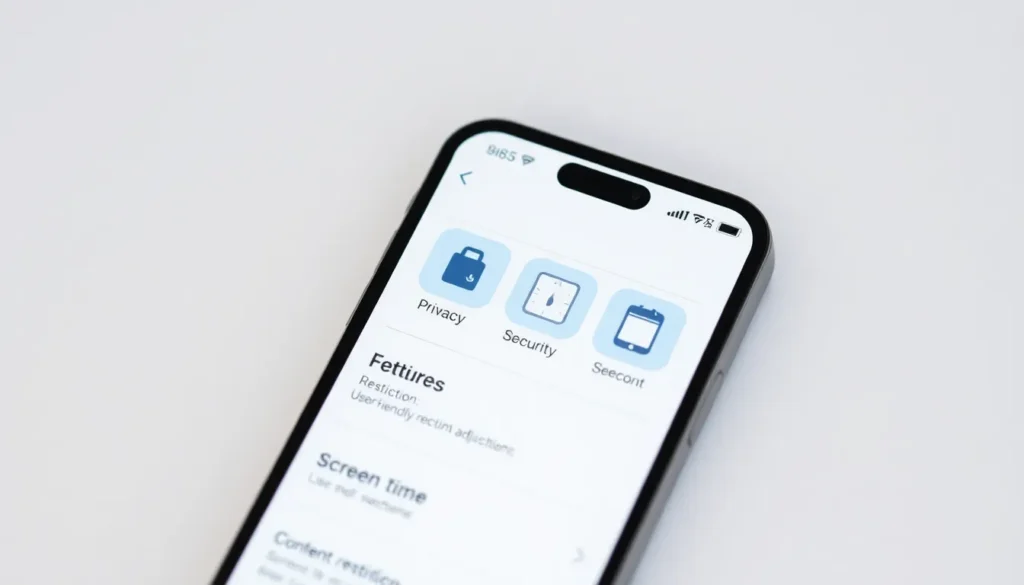
Disabling sensitive content on an iPhone is straightforward and enhances user experience. Follow these steps for effective adjustments.
Accessing Settings
Start by opening the Settings app on your iPhone. Navigate to the Privacy & Security section to locate content restrictions. Tap on the Screen Time option, which provides access to various controls. Users must be sure to enter the Screen Time passcode if prompted. This code ensures privacy and prevents unauthorized changes. Once in Screen Time, you’ll see options for Content & Privacy Restrictions. Enable this feature to start managing content types, including sensitive material.
Adjusting Content Restrictions
Users should select Content Restrictions within the Screen Time menu. Here, a variety of categories appears for adjustment, such as Movies, TV Shows, and Apps. Tap on each category to reveal options, allowing users to limit content based on age ratings and preferences. Specific settings for Websites also exist, enabling users to restrict adult content. To maximize safety, enable “Limit Adult Websites” for web browsing. After making changes, the iPhone updates automatically, ensuring sensitive content remains hidden for a more tailored experience.
Alternative Methods
Disabling sensitive content on an iPhone can also be achieved through alternative methods.
Using Screen Time
Screen Time offers additional control over content restrictions. Users access it via the Settings app, then select Screen Time. Within this menu, specific options for content can be adjusted. By tapping on Content & Privacy Restrictions, users enable this feature, providing them with more control. Selecting Content Restrictions allows adjustments for Movies, TV Shows, and Apps based on age ratings. Users can easily restrict explicit content across various categories and apps, tailoring their experiences. Disabling sensitive content is straightforward by customizing the settings to align with personal preferences.
Resetting All Settings
Resetting all settings on an iPhone provides a fresh start for content configurations. This option can be found in the Settings app under General, then Reset. Choosing Reset All Settings will revert all personalized settings to factory defaults. While this action won’t delete any data, users will need to reconfigure network settings, Wi-Fi passwords, and preferences. This method may be useful if previous adjustments were unsatisfactory or ineffective. Ensuring a clean slate can help simplify the management of sensitive content across the device.
Benefits of Turning Off Sensitive Content
Turning off sensitive content on an iPhone fosters a safer digital environment. Many users, especially families, appreciate the ability to limit exposure to explicit material. Such an approach can enhance the overall user experience, making it more enjoyable and appropriate for all ages.
Maintaining a PG atmosphere is vital for shared devices. Children and teenagers benefit greatly from content restrictions. Parents often choose to disable sensitive content to ensure their children engage only with suitable material.
Restricting sensitive content can lead to better focus, particularly in educational settings. Students frequently encounter distractions in the form of inappropriate content. Disabling these distractions allows them to concentrate on their tasks, thus improving productivity.
Adjusting settings not only contributes to a more comfortable environment but also helps protect mental well-being. Exposure to graphic images or explicit language may negatively impact users. By turning off sensitive content, individuals can reduce the likelihood of encountering distressing material.
Utilizing built-in features for content management enhances user control. Options in Screen Time allow for tailored restrictions based on age ratings. Such features enable individuals to adjust settings for Movies, TV Shows, and specific Apps.
Increased customization options provide users with greater autonomy over their experience. Users can enforce preferences that align with their values and comfort levels. Balancing personal choices with shared device usage becomes easier.
Ultimately, turning off sensitive content shapes a more kid-friendly and age-appropriate experience. Families embrace these features to foster healthy digital habits. Making these adjustments supports a positive atmosphere both at home and in other settings.
Disabling sensitive content on an iPhone is an effective way to create a safer and more family-friendly digital environment. By following the straightforward steps outlined in the article users can tailor their device settings to better suit their preferences and needs. This not only enhances the overall experience but also protects younger users from inappropriate material.
With tools like Screen Time and content restrictions users have the autonomy to manage what they see and engage with online. Ultimately turning off sensitive content fosters a positive atmosphere at home and supports healthier digital habits for everyone.